All applications
Anvil app icon

Application · Oncology reference library

Anvil

A private reader for oncology guidelines and landmark trials.

Anvil turns a curated Dropbox library into a fast, searchable oncology reference app for Android. It follows the ESMO hierarchy from organ group to tumour entity, presents the relevant ESMO guidelines alongside selected landmark trials, and opens every PDF in an integrated document reader.

The study index is cached locally, so the library remains available for browsing and searching while offline. Dropbox remains the source of truth, and PDFs are downloaded only when opened.

Anvil is a private educational and reference tool. It does not contain patient data, make treatment recommendations or determine standard of care. Study summaries and metadata are displayed only when they already exist in the curated library. Aerodromic is independent and is not affiliated with or endorsed by ESMO or any other organisation named here.

Android app Kotlin · Jetpack Compose Dropbox Local cache Integrated PDF reader

Capabilities

One curated library, always within reach

01

Follows the oncology hierarchy

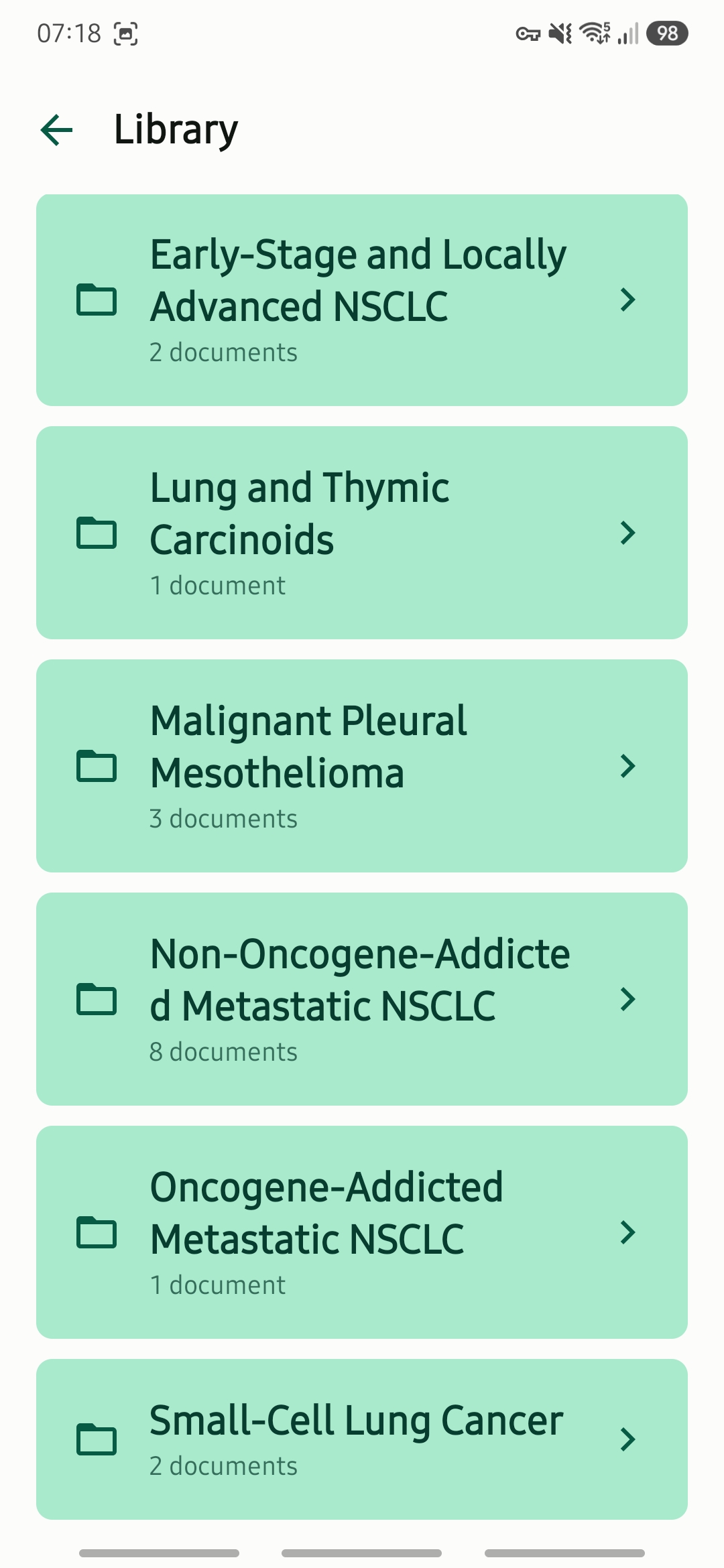
Anvil mirrors the library structure maintained in Dropbox: organ groups contain tumour entities, and each entity brings together its ESMO guidelines and landmark-trial publications. The same transparent folder system can be viewed and managed outside the app.

02

Keeps guidelines and trials together

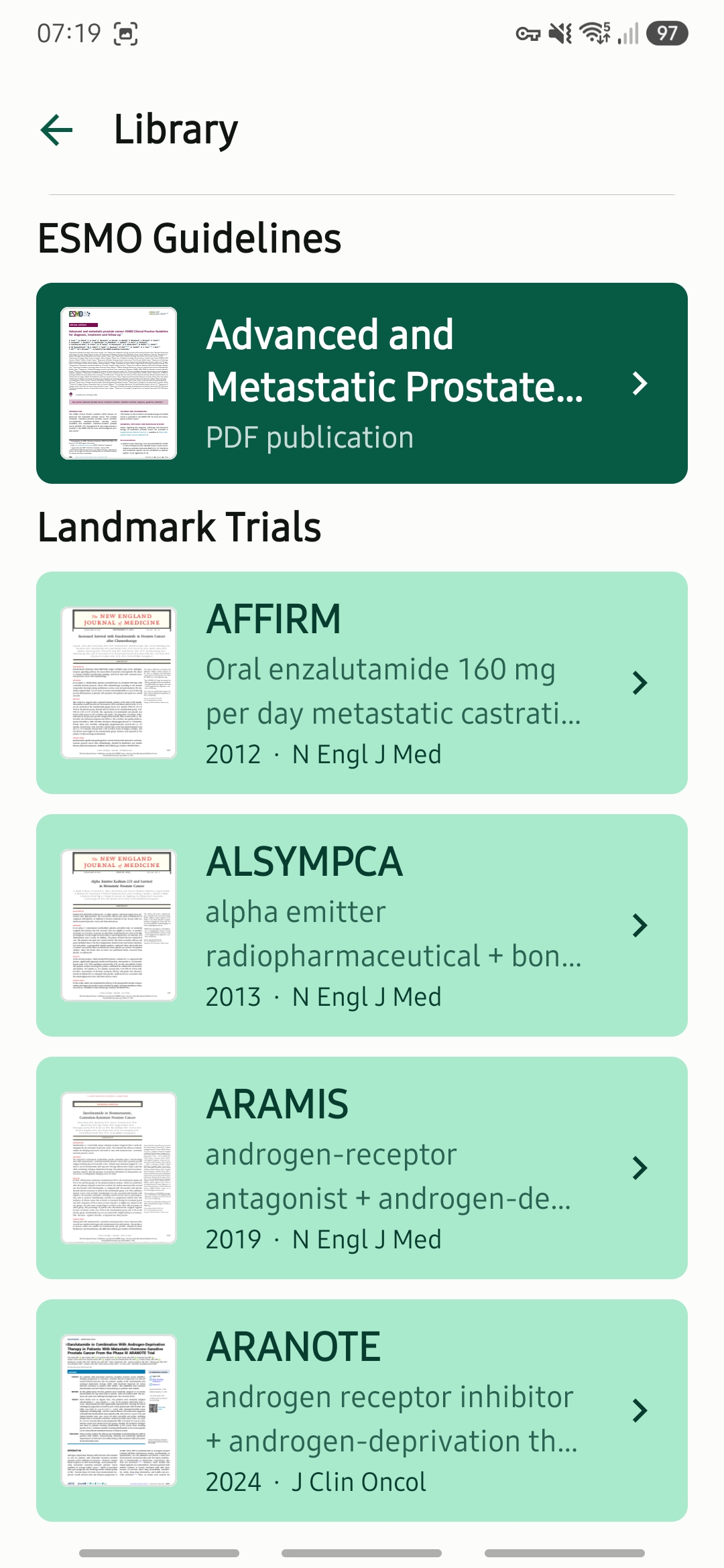
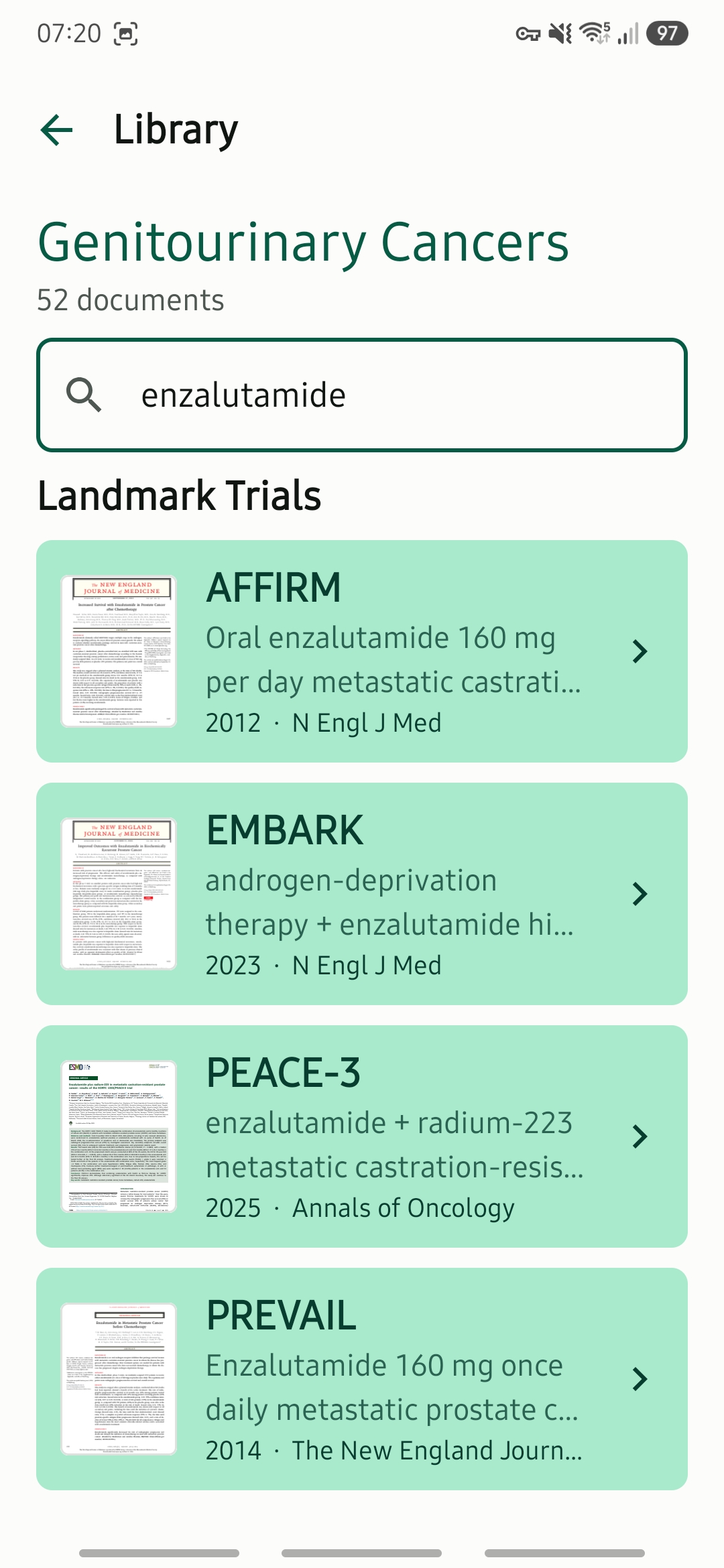
Within each tumour entity, current ESMO guidelines appear first as a clearly distinguished reference section. The selected landmark trials follow beneath them, creating one focused reading list for each disease area.

03

Reads PDFs inside the app

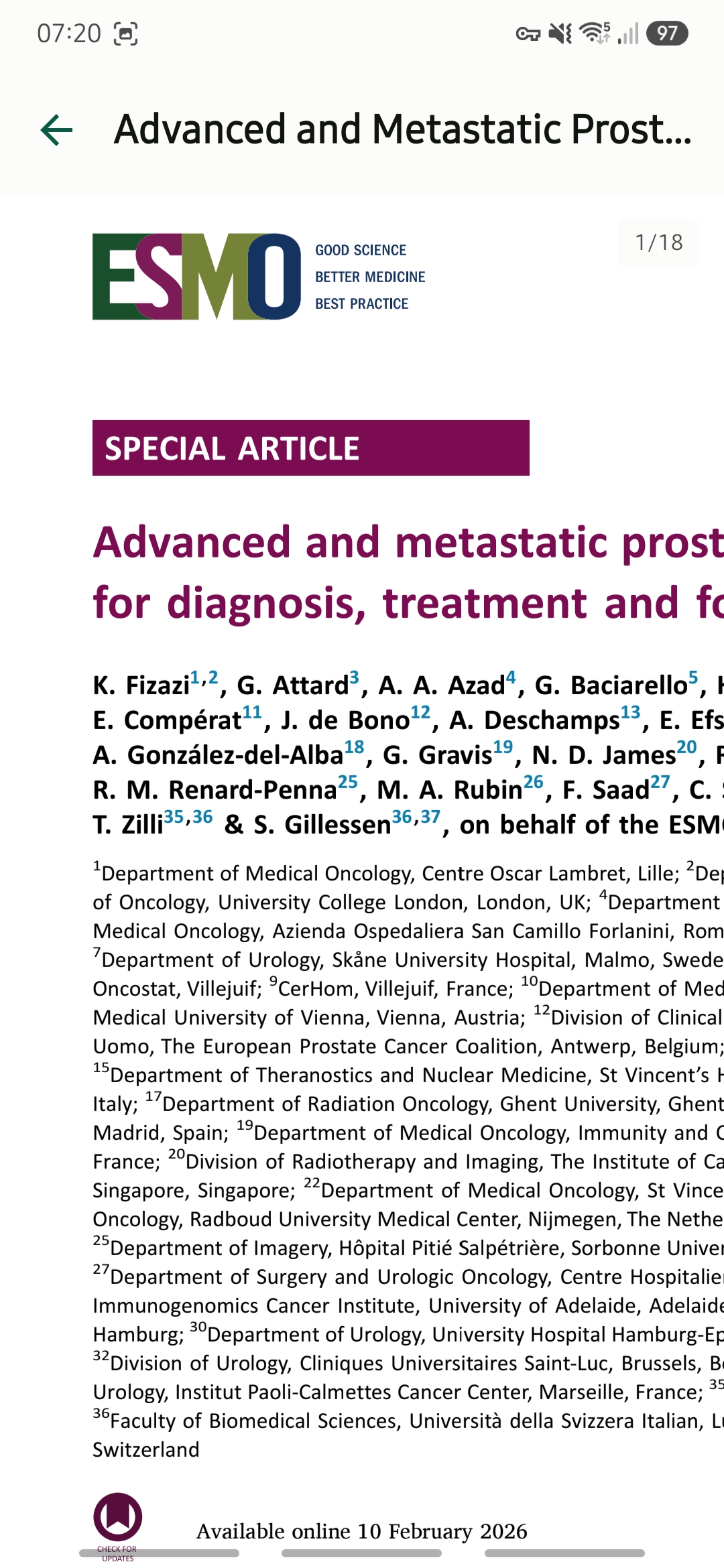
Documents open directly in Anvil's integrated PDF reader. Continuous page scrolling, pinch-to-zoom and double-tap zoom make long guidelines and trial publications practical to read without switching to a browser or another application.

04

Works from a local index

Anvil synchronises its index with Dropbox and stores the resulting library catalogue on the device. Tumour entities and publications can therefore be browsed and searched offline, while PDFs are retrieved from Dropbox when needed.

How it works

From Dropbox folders to a focused mobile library

01 · Connect Authorise Anvil through Dropbox OAuth, without storing Dropbox credentials in the app.
02 · Synchronise Scan the ESMO Guidelines and Landmark Trials folders and update the local library index.
03 · Browse Navigate from organ group to tumour entity, guidelines presented above the landmark trials.
04 · Read Open a publication in the integrated PDF reader and return directly to its entity.

Interface

Inside the application

A quiet, focused Android interface designed for quick reference.

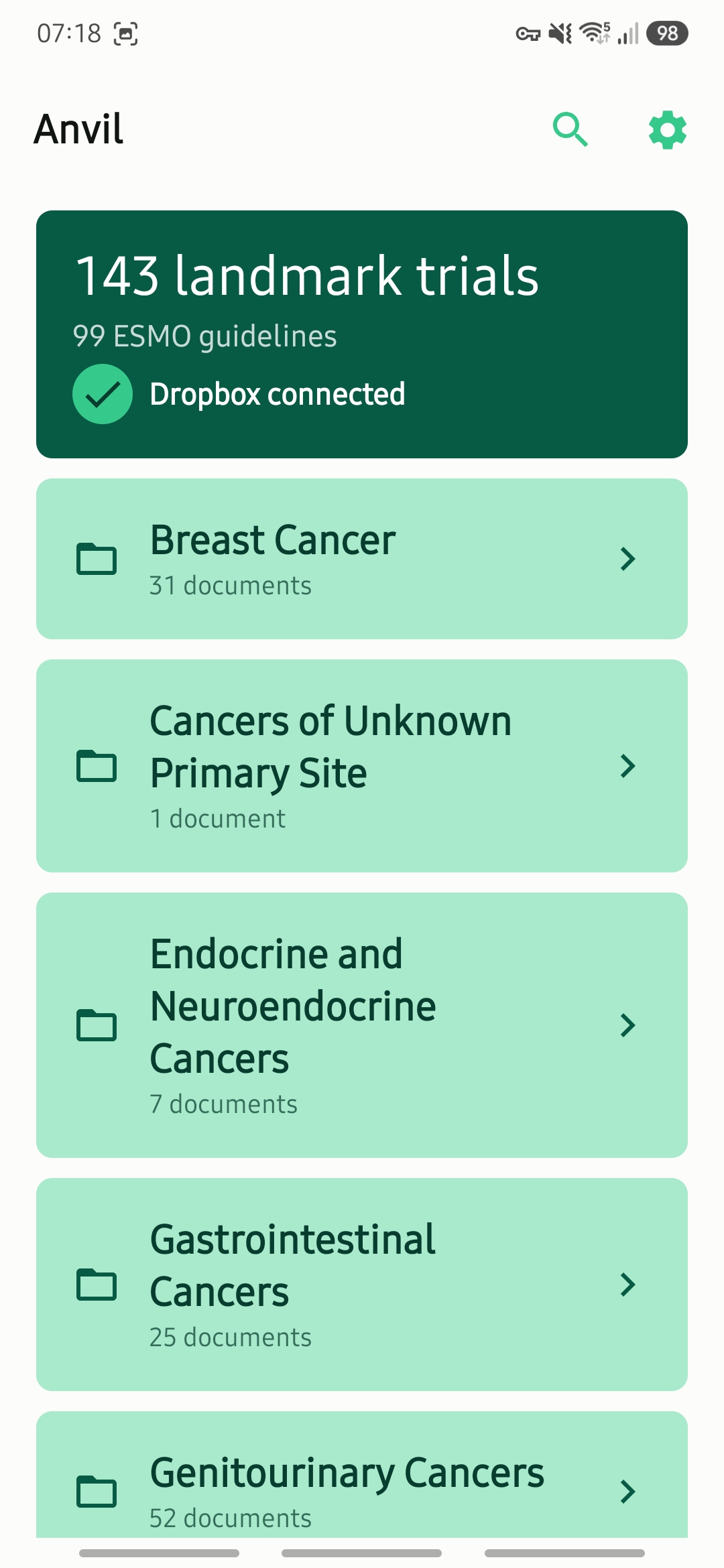
Home — an overview of the locally indexed guidelines and landmark trials, with Dropbox connection and sync status.
Library — oncology content organised by the familiar ESMO organ-group hierarchy.
Entity — ESMO guidelines shown first, followed by the curated landmark-trial collection.
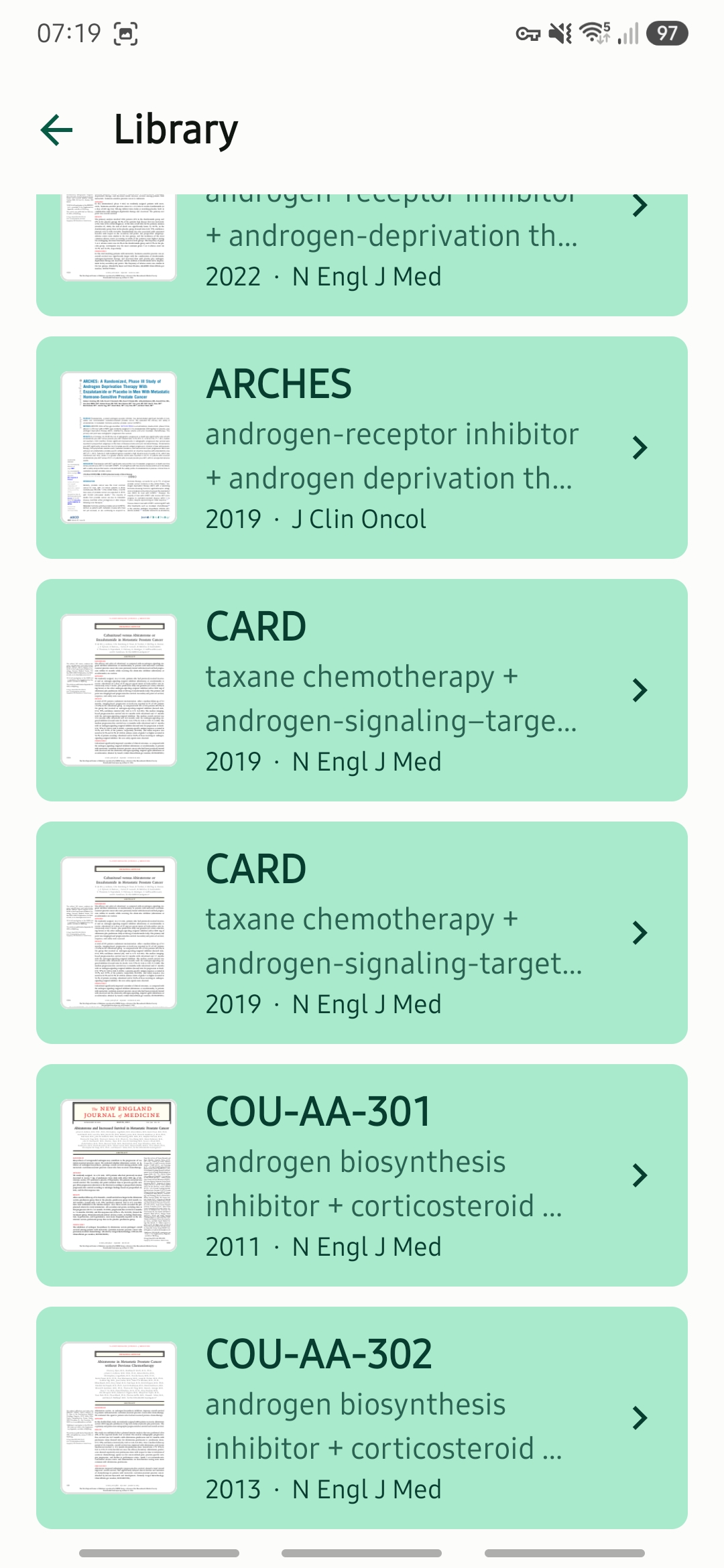
Trials — publication names with brief descriptive subtitles where reviewed metadata is available.
Reader — continuous document scrolling with pinch and double-tap zoom, without leaving Anvil.
Search — quickly locate a guideline or trial by title, tumour entity or available metadata.
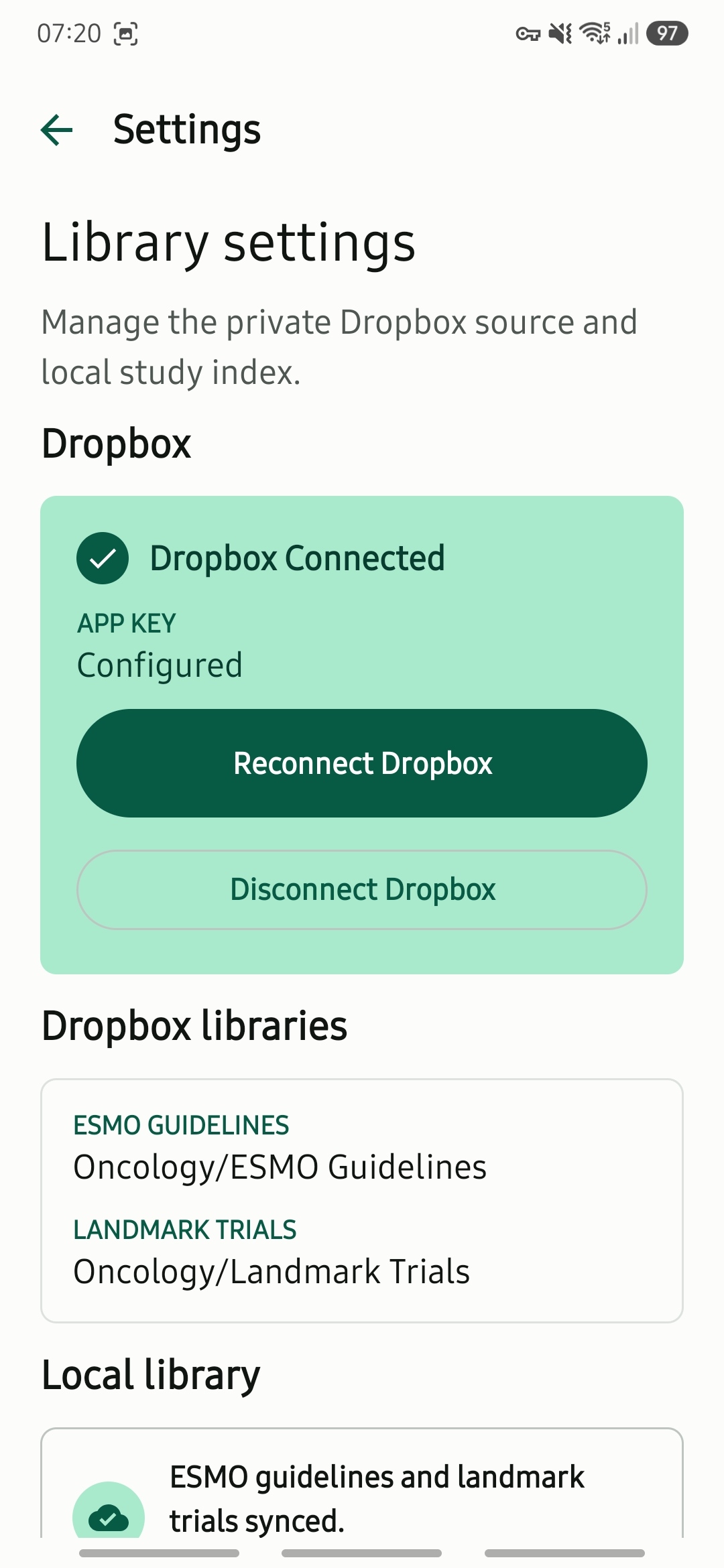
Settings — Dropbox connection, sync controls, library paths, local cache usage and app information.

Companion app

Designed to work with Gatherer

Gatherer builds and maintains the structured oncology library on macOS. Anvil synchronises that same library through Dropbox and makes it available as a focused mobile reference.

Gatherer acquires and organises. Anvil browses and reads.

More from the studio